Via.com Indonesia Exclusive Gathering: Awarding Night untuk Top Travel Agent se-Jabodetabek
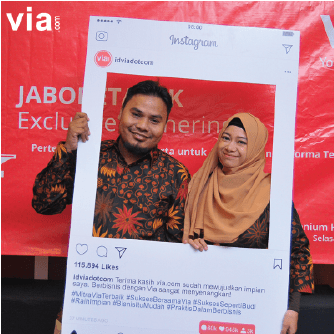
Via.com mengadakan Jabodetabek Exclusive Agent Gathering pada Selasa, 7 November 2017 sebagai wujud apresiasi pencapaian para agen travel terbaik periode 2016-2017. Kegiatan Jabodetabek Exclusive Agent Gathering diselenggarakan di Hotel Millenium Sirih Jakarta sebagai momen berkumpul dan malam apresiasi bagi para travel agents atau yang disebut dengan para Mitra Via. Sebagai perusahaan online travel agent dengan model B2B atau business to business yang berkembang pesat di Indonesia, Via.com memberikan penghargaan kepada 5 (lima) Top Performance Agents yang dinilai menyumbangkan kontribusi transaksi terbanyak dalam periode setahun terakhir. Penghargaan Top Performance Agents diberikan kepada Aditya New Tours & Travel, Alhidayah Internasional, PT Garuda Indowisata Jaya, Naraya Travel, dan Ruhiyah Tour & Travel.
Rangkaian Jabodetabek Exclusive Agent Gathering dimulai dengan welcome speech oleh Presiden Direktur Via.com Indonesia, Srinivas Murthy. Srinivas Murthy mengatakan bahwa Via.com mendukung dan berkomitmen mengembangkan bisnis para mitra selaku bisnis partner, terutama dalam menyambut tahun 2018 dimana Via.com memperoleh akuisisi dengan EbixCash sebagai perusahaan IT Solution dari US yaitu sehingga dukungan yang lebih maksimal akan diberikan dengan penambahan beberapa lini produk dan pengembangan teknologi secara massive.
Setelah welcoming speech, acara dilanjutkan dengan presentasi “Grow With Via” oleh Soumik Choudury selaku Sales HeadVia.com Indonesia. Dalam presentasi tersebut dipaparkan mengenai value yang bisa didapatkan oleh para Mitra Via dan bagaimana menjadi sukses dalam menjadi pelaku bisnis travel dengan produk-produk yang ditawarkan oleh Via.com. Acara kemudian dilanjutkan dengan Portal Update dan juga testimoni dari Top 5 Performance Agents yang telah sukses berbisnis dengan Via.com. Rangkaian acara kemudian berlanjut menjadi Awarding Night dan pemberian penghargaan kepada Top 5 Performance Agents oleh Srinivas Murthy selaku Presiden Direktur Via.com Indonesia. Setelah awarding dilaksanakan, acara dilanjutkan dengan dinner session dan sesi tanya-jawab antara para Mitra Via dengan beberapa panelis, diantaranya Corporate Sales Manager dan Sales Head Via.com Indonesia.
6 Tahun Berdiri, Via.com Indonesia Raih Penghargaan dari Berbagai Maskapai Dunia
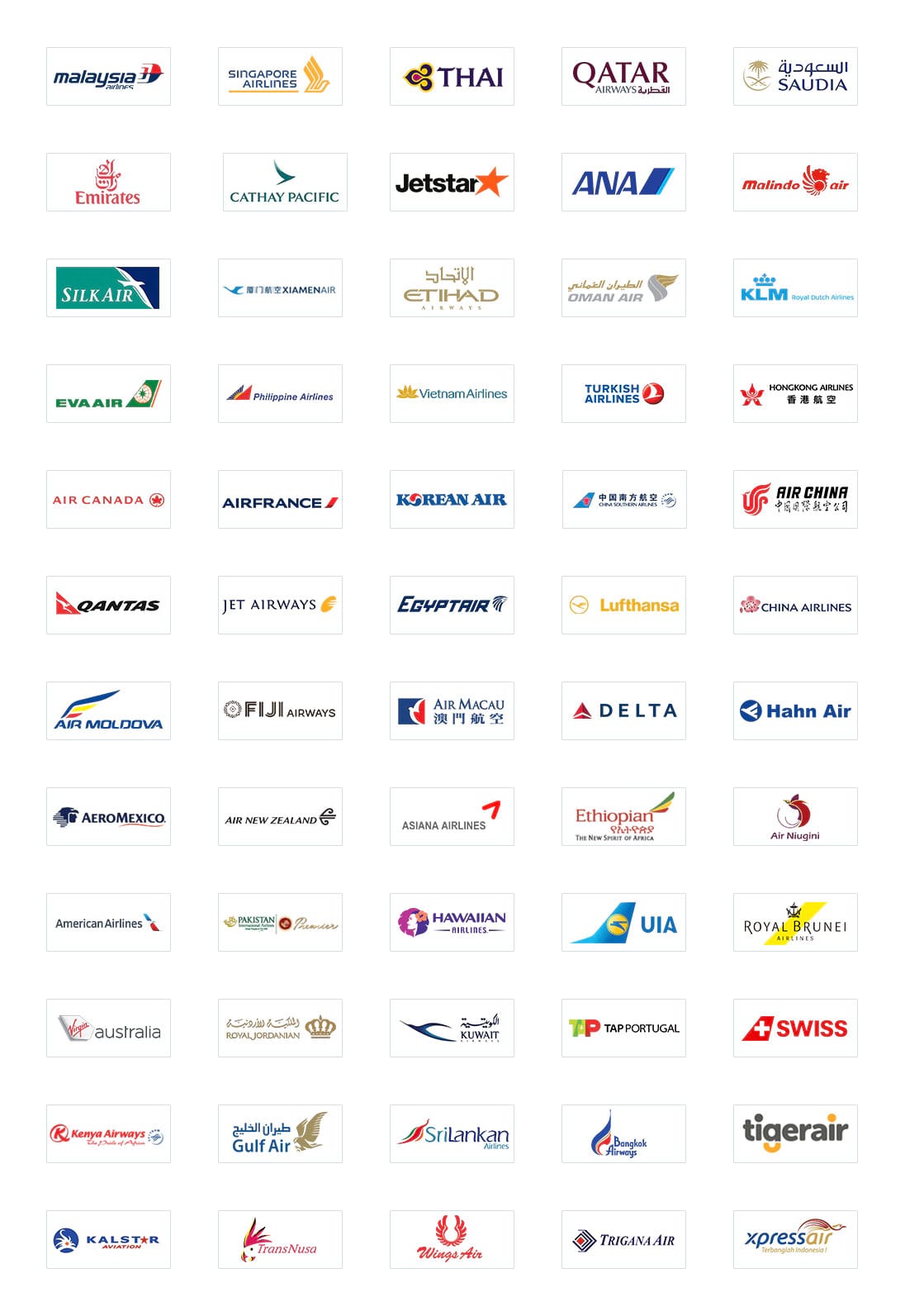
Via.com Indonesia sebagai leading online travel agent di Asia belum lama ini memasuki usia yang ke-6 tahun. Dalam usia yang bisa dibilang masih muda, Via.com Indonesia telah mendapatkan beberapa penghargaan dari maskapai-maskapai regional hingga internasional. Beberapa penghargaan diberikan kepada Via.com Indonesia atas pencapaian menjadi top performing agent atau top selling agent atas hasil kontribusi dalam peningkatan sales performance berbagai maskapai. Penghargaan yang paling baru didapatkan adalah Top 5 Selling Agent untuk Philippine Airlines pada awal tahun 2018 ini, dan Top 20 Performing Agent oleh Cathay Pacific Airways.
Sebelumnya, pada tahun 2017, Via.com Indonesia mendapatkan penghargaan sebagai Top Contributor International Flight Ticket oleh Sabre, dan Top Growing Agent oleh American Airlines. Pada tahun 2016, Via.com Indonesia tidak hanya meraih penghargaan dari maskapai internasional, namun juga maskapai dalam negeri seperti Top Agent Lion Air, Kalstar Best Performance, lalu untuk penghargaan internasional Via.com Indonesia mendapatkan dua penghargaan sekaligus dari Malaysia Airlines sebagai Top Selling Agent dan Best Selling Performance. Setiap tahunnya, mulai sejak berdiri tahun 2013 lalu, Via.com Indonesia telah mendapatkan penghargaan sebagai Citilink Best Travel Agent, dan juga sebagai Best Performance dan Top Agent untuk Air Asia, Sriwijaya Air dan Lion Air. Penghargaan-penghargaan ini didapatkan atas konsistensi Via.com Indonesia dalam memberikan pelayanan yang maksimal dan kemampuan memberikan harga yang terbaik sehingga performa penjualan tiket pesawat pun meningkat dengan pesat. Pencapaian ini membuat Via.com Indonesia ingin terus memberikan pelayanan terbaik dan menjadi B2B online travel agent nomor satu ke depannya. “Via.com berkomitmen untuk mengembangkan hubungan yang profesional dan mengutamakan kebutuhan pelanggan. Menghadirkan kegiatan operasional dan layanan yang terencana, tepat sasaran, serta pengalaman wisata yang tak ternilai dengan implementasi praktis industri terbaik" ujar Soumik Choudury selaku Head of Sales Via.com Indonesia.
Via.com merupakan perusahaan leading online travel agent yang bergerak di bidang B2B atau business to business. Didirikan pada tahun 2006 di India dan kemudian mengembangkan cabang ke Indonesia pada tahun 2011. Via.com Indonesia memiliki sistem reservasi penerbangan dengan menawarkan berbagai pilihan produk seperti Penerbangan, Hotel, Kereta Api, Paket Liburan, Pulsa dan PPOB, serta Bis. Hingga saat ini Via.com Indonesia memiliki jaringan lebih dari 16.000 travel agent yang tersebar di 34 provinsi di Indonesia. Untuk informasi lebih lanjut silahkan hubungi 021-29222333 atau email ke id.training@via.com.